Hi everyone,
It’s me again  I’m getting a fatal error when editing pages from Network Admin (such as “about”, “help”…) :
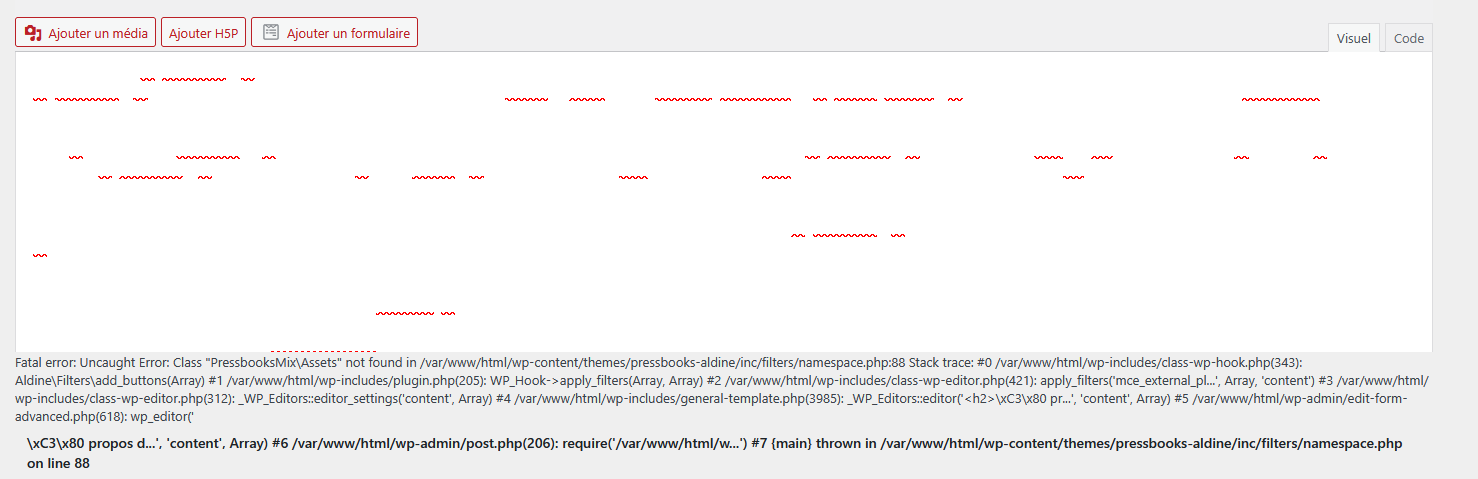
Here’s the full notice :
PHP Fatal error: Uncaught Error: Class “PressbooksMix\Assets” not found in /var/www/html/wp-content/themes/pressbooks-aldine/inc/filters/namespace.php:88
Stack trace:
#0 /var/www/html/wp-includes/class-wp-hook.php(343): Aldine\Filters\add_buttons(Array)
#1 /var/www/html/wp-includes/plugin.php(205): WP_Hook->apply_filters(Array, Array)
#2 /var/www/html/wp-includes/class-wp-editor.php(421): apply_filters(‘mce_external_pl…’, Array, ‘content’)
#3 /var/www/html/wp-includes/class-wp-editor.php(312): _WP_Editors::editor_settings(‘content’, Array)
#4 /var/www/html/wp-includes/general-template.php(3985): _WP_Editors::editor(‘La fa\xC3\xA7on la pl…’, ‘content’, Array)
#5 /var/www/html/wp-admin/edit-form-advanced.php(618): wp_editor(‘La fa\xC3\xA7on la pl…’, ‘content’, Array)
#6 /var/www/html/wp-admin/post.php(206): require(‘/var/www/html/w…’)
#7 {main}
thrown in /var/www/html/wp-content/themes/pressbooks-aldine/inc/filters/namespace.php on line 88
I was using Aldine 1.25.2 so I updated to 1.25.3 but the error still occurs. I’m running Pressbooks 6.42.0 and Wordpress 6.9.1
The error doesn’t seem to affect the content itself. The text appears white in the WYSIWYG editor, but it displays correctly on the front end. The issue also does not occur when editing book pages.
Could you help me troubleshoot this ?
Please let me know if I can provide any additional information.
Charlotte
