Hi,
We’re experiencing an issue when importing chapters from one book in our institutional network to another book in our network at the Alamo Colleges District.
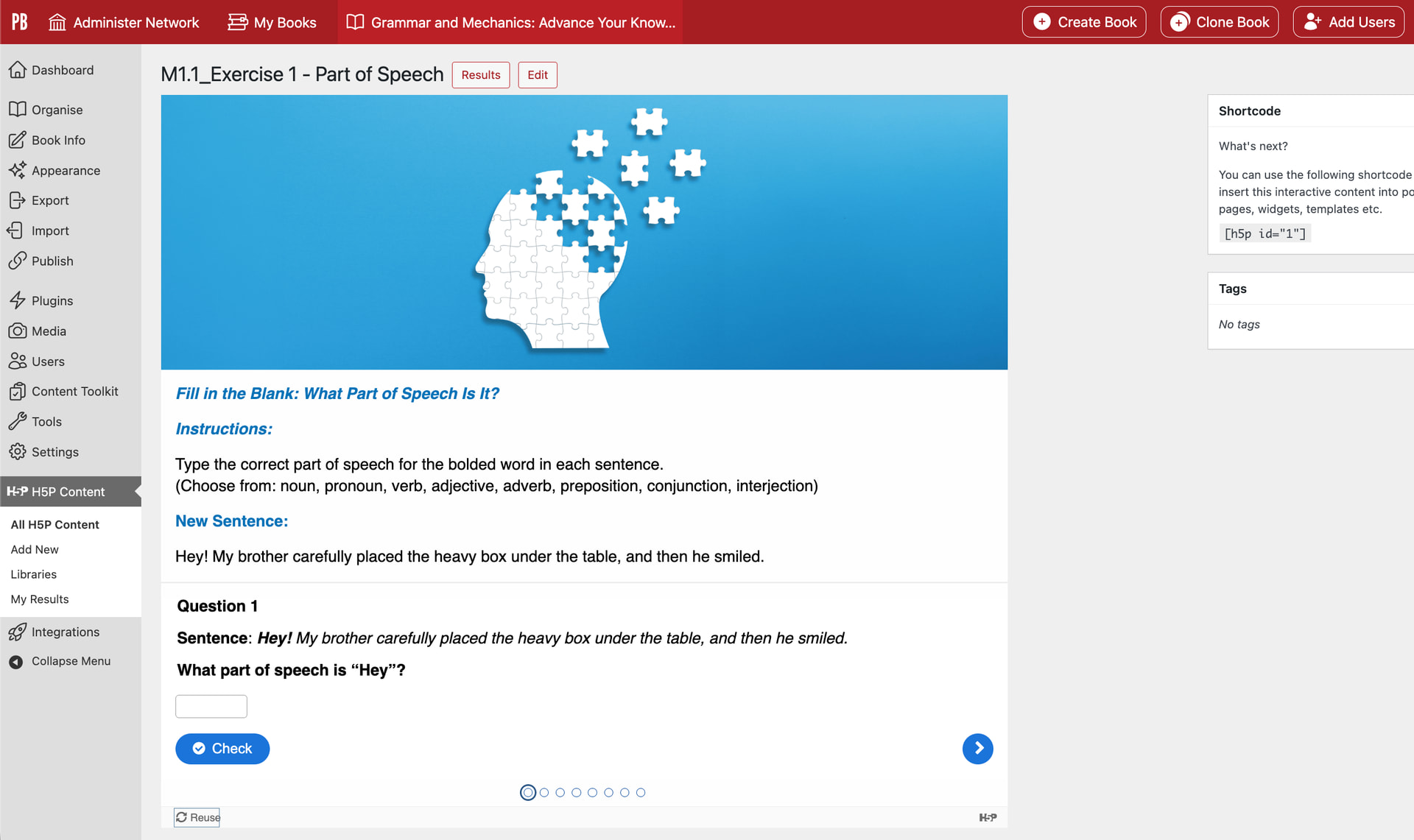
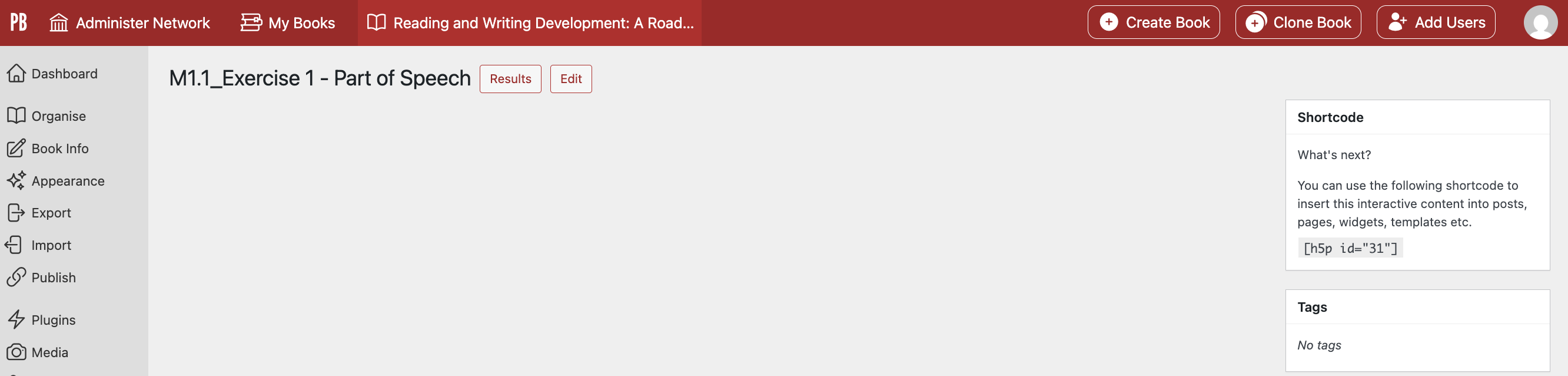
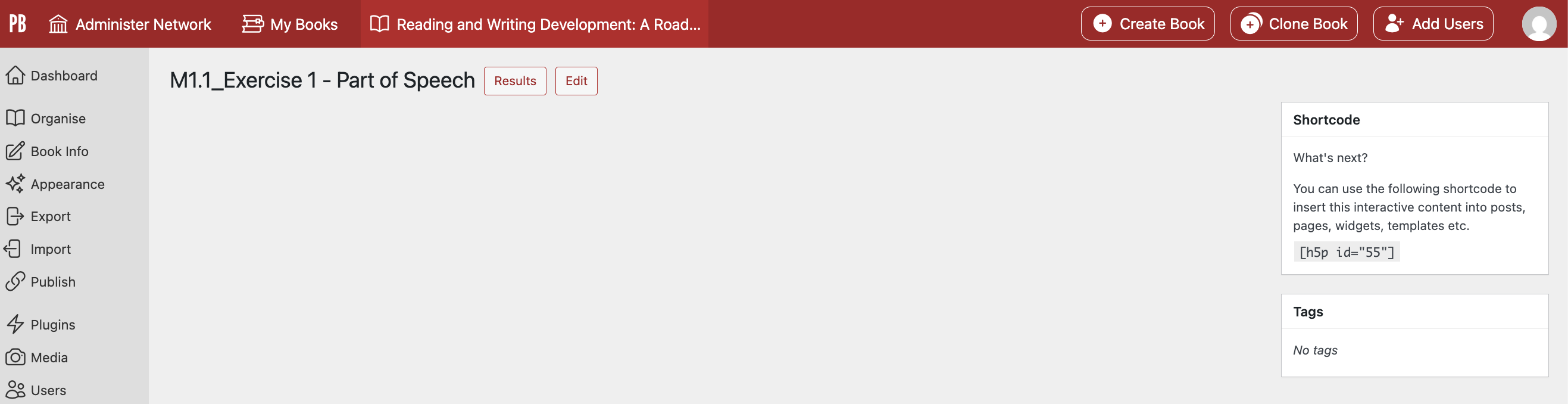
Specifically, H5P Pages that have Fill in the Blank activities are not displaying when chapters are imported from one book to another. We’ve tried updating the H5P library in the new book and downloading the Page/Fill in the Blank activities to individually add them to the new book, but the activities still aren’t displaying.
The only difference we see in the H5P libraries are that the previous book is using Page (1.18.6), and the new book has Page (1.21.0). We have ensured that the content type cache is up to date and the installed libraries are up to date.
Does anyone have any suggestions on steps to take to address this issue?
Thank you!
Pam
Old Book
New Book
Hi @phmori, if you have access to the old book’s admin dashboard and navigate to the H5P hub there, are there some activity types with updates available? I’d suggest updating all of them and installing the libraries (the steps from Add Gradable Activities to Your Book – Pressbooks User Guide ).
After doing that, if you import chapters from the old book into the new book, does this bring over the activities without the display issue?
Hi Thomas,
I followed your advice and completed the updates in the previous book. Updates were needed.
I updated each H5P content type that needed an update. I also made sure that the libraries were updated. However, this hasn’t corrected the issue with the new book.
After completing the updates, I imported the chapters from the old book again, and the Pages with Fill in the Blank activities are still not displaying.
Do you have any additional advice you could share?
Thank you,
Pam
Hi Pam, thanks for letting me know. Sorry that didn’t resolve the issue – this is unusual and I wonder if there’s something else causing this in the new book. Could you email the premium support address with a link to both books? We’d like to look into this and troubleshoot further.