What: We’re pleased to introduce the Pressbooks User Group (PUG): a new virtual community of practice for Pressbooks network and institutional managers, publishers, librarians, instructors, instructional designers, and other open education practitioners.
Why: We’re creating PUG to
-
Build a stronger, more connected community around open and digital publishing
-
Discuss our most pressing challenges and practical ideas for addressing shared needs
-
Facilitate the creation and exchange of workflows, tools, and approaches that make the work we do more meaningful, fulfilling, and impactful
-
Help network and institutional managers learn from each other
When: 9–9:50 am PDT / 12–12:50 pm EDT / 4–4:50 pm GMT on the first Tuesday of every other month, starting May 5. Find calendar links in the comments.
Where: Virtual, via Zoom. Notes, resources, and recordings will be shared here in the Community Forum after each meeting to allow for further conversation.
Who: PUG meetings are designed for Pressbooks network and institutional managers, librarians and library publishers, faculty and academic staff who train or support new authors, or anyone else who is involved with institutional publishing programs. I’m tagging @EDU_Managers for visibility.
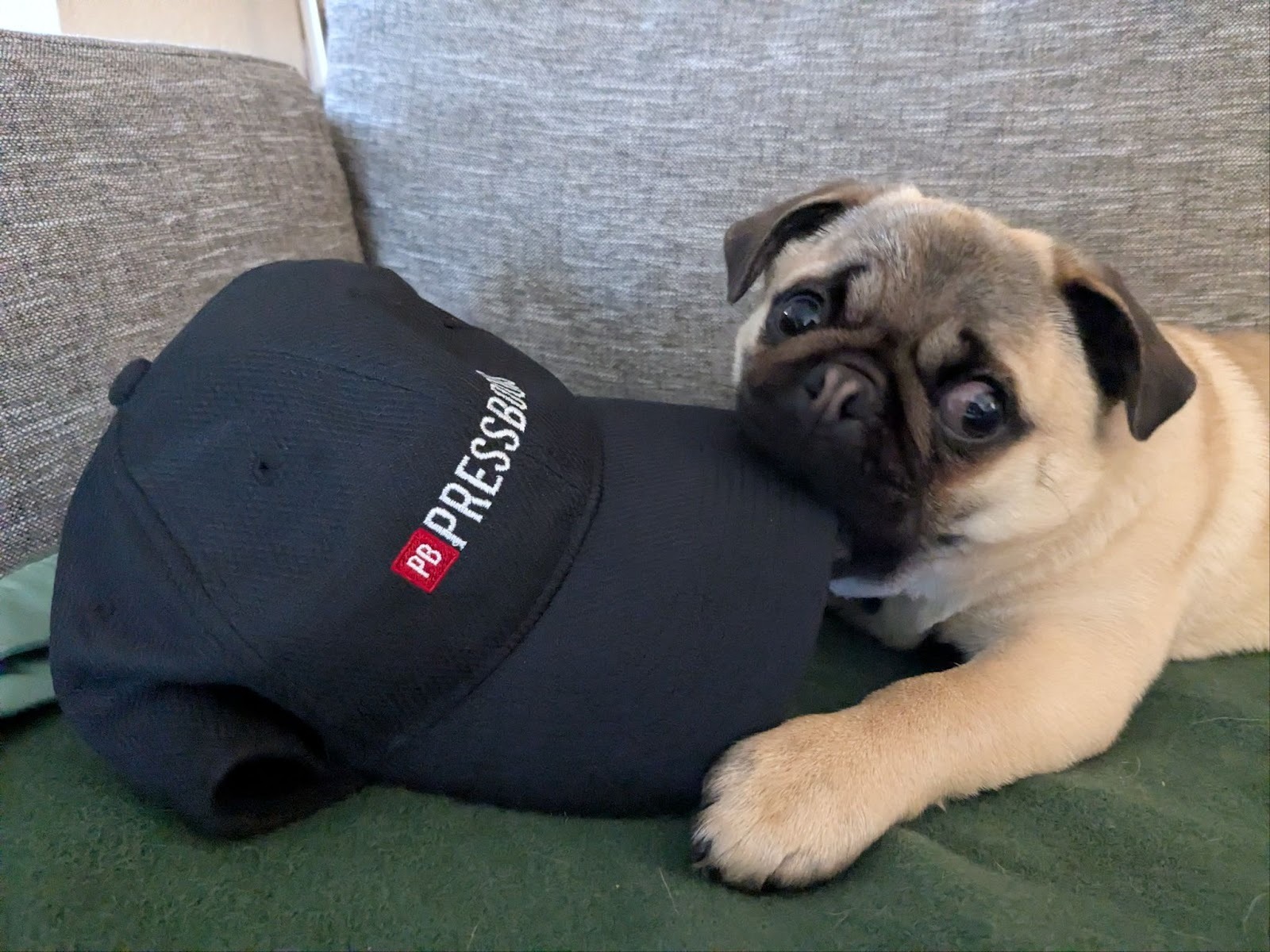
Our honorary mascot: Steel’s pug Dibu!
Our first meeting: May 5, 9am PDT/12pm EDT/4pm GMT
Please join us on May 5 for the first PUG meeting and help shape what this group becomes!
Topic: Onboarding and supporting new end users
We’ll discuss a range of approaches to welcoming, training, and supporting new authors, instructors, and creators on your Pressbooks instance. What to expect:
-
Welcome & introduction (5 min) – Pressbooks staff introduces that month’s topic.
-
Thematic discussion / showcase (15 min) – Featured speaker(s) provide informal highlights, case studies, or institutional approaches to the topic.
-
Open forum & peer exchange (25 min) – Attendees discuss the topic further: ask questions, share current practices, challenges, and ideas
-
Wrap-up & next steps (5 min) – Summarize discussion and select topic for next meeting.
A look ahead: possible future topics
Future PUG topics will be selected by attendees, but here are some potential topics for future meetings:
-
Pre‑publication & Quality Assurance: Peer review workflows; copyediting and QA; accessibility and inclusive design; translation and localization; creating and using content templates; visual customizations to homepage or theme.
-
Promotion, Discovery & Distribution: Promotion and distribution of published books; improving metadata and library discovery; understanding analytics and measuring impact; open textbook adoption and adaptation; print‑on‑demand.
-
Project Management & Collaboration: Managing multiple Pressbooks projects; collaborative authoring workflows; identifying and supporting stalled projects; sustaining and maintaining ‘finished’ books.
-
Open Pedagogy & Partnerships: Consulting with faculty; author/publisher agreements and licensing; involving students as creators and co‑publishers.
If you have questions about the format or ideas you’d like to share or learn more about, please attend an upcoming meeting or reply to this post.